
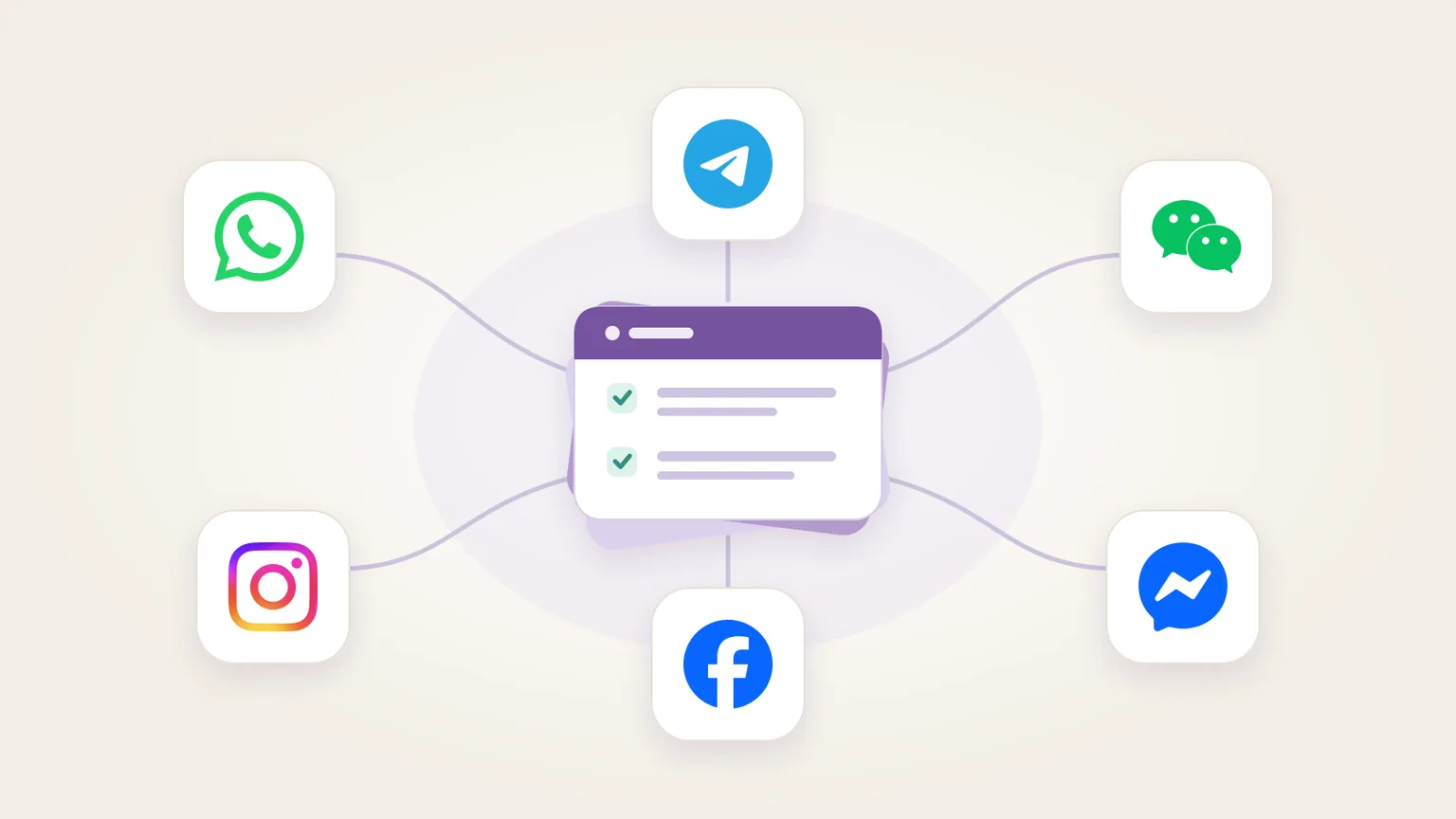
Imagine a customer asking about a missing parcel on Instagram, then following up on WhatsApp. A useful reply needs the order record, someone responsible for investigating and a way to see whether the customer has already been answered.
KyoubeAI can organise social messaging as assigned work against shared company data, while an authorised channel integration handles receiving and sending. An AI employee can classify the enquiry, find permitted evidence and prepare a reply. People can handle exceptions in the same workspace.
The workflow below is a design to adapt, not a claim about a customer deployment or a preinstalled inbox. It covers customer conversations, not scheduling social posts or giving an agent unrestricted access to personal messaging accounts.
Separate the messaging connection from the work it creates
A messaging workflow needs an intake path, a record of the conversation and a delivery path. Each channel supplies its own APIs and rules. KyoubeAI supplies a place to organise the agents, tasks, data and apps involved.
KyoubeAI v1.8.0 introduced Connections for agents and Kyoube Apps. An admin configures a public HTTPS service and a stored company credential. The server makes the request; the credential stays off the app's page. Agents need a grant for each connection, and an app must declare its connections in its published manifest.
This makes a messaging provider or helpdesk API a possible integration point. It does not establish that KyoubeAI includes a ready-made connector for every channel below. Confirm the provider's supported channels, account access and operations before designing around it.
The Connections API supports bearer, header and Basic authentication with a stored key. It does not manage OAuth or per-person credentials. It handles outbound text requests and responses; it is not an incoming webhook receiver or a binary media pipeline.
For a multi-channel setup, an integration service can receive channel events, check their authenticity and turn them into a common record. It can also manage channel-specific tokens and delivery rules. Alternatively, keep those responsibilities in a helpdesk that already connects to the channels you need, and give the KyoubeAI agent scoped access to that desk. You do not have to replace a working inbox to put an AI employee on its queue.
Check the business API for each channel
These are different account types and messaging models. A connection that can send an HTTP request does not automatically have permission to send a customer a message.
| Channel | Route to evaluate | Constraint to preserve |
|---|---|---|
| WhatsApp Business Platform, directly or through an authorised provider | The business messaging policy requires opt-in for subsequent contact. Free-form replies are allowed within the 24-hour customer service window; outside it, use approved message templates. Automation must offer a prompt, clear escalation path. | |
| Telegram | A Telegram bot, with a backend receiving updates | An ordinary bot cannot start a conversation with a user. The user must message it or add it to a group first. Group privacy mode affects which messages it receives. Telegram Business bot connections are a separate option to evaluate. |
| The documented Service Account customer-service messaging API | Check your account's API permissions and the interaction that permits a reply. The current documentation gives a user message a 48-hour window and a five-message allowance; other triggering actions have different limits. This is a Service Account API, not evidence of access to every personal WeChat conversation. | |
| The messaging API for Instagram professional accounts | The customer initiates the conversation. Account permissions, access tokens and webhook subscriptions are required. Standard reply windows depend on the triggering action; the API does not support group messaging. | |
| Messenger Platform for a business Facebook Page | The person initiates the conversation. Preserve the Page-scoped recipient ID and enforce the applicable messaging window. A Page integration should not be treated as access to an employee's personal Messenger inbox. |
Check these rules again when enabling delivery. Instagram and Messenger's current documentation describes a standard window of 24 hours for most actions, with a longer window for certain ad-initiated conversations. A single expiry rule copied across all five channels would be wrong.
Give the agent a conversation record it can use
For an illustrative setup, create company Data tables for conversations, messages and reply drafts. Keep the channel, business account and channel-scoped conversation or recipient ID on each record. Add the source message ID and time, a responsible owner, the current status and a link to the originating inbox where available.
The integration should retain the information needed to decide whether sending is allowed: the relevant customer interaction, opt-in or opt-out state where required, and the applicable reply deadline or template requirement. Calculate those rules in code. Asking a model whether it feels safe to reply is not a permissions check.
Do not combine two customers because their display names match. Link an Instagram enquiry to a WhatsApp conversation only through an authorised identity-verification process. Until then, keep both records separate and flag the possible relationship for a person.
An authorised builder could create a Kyoube App showing unassigned enquiries, reply drafts and cases needing human attention. This would be a custom app over your tables, not an inbox that arrives preinstalled. The app documentation allows declared, server-mediated connections while continuing to block direct network access from the sandboxed page. A person must publish an app version that adds or widens a connection.
Follow one missing-parcel enquiry through the queue
Suppose the first Instagram message says: "Tracking says delivered, but I haven't received it. Can you help?" Give a Support Agent a defined job: triage delivery enquiries, read approved support guidance, prepare replies and refer refund decisions to the authorised person. Keep refund execution outside that agent's access.
- The integration receives the event, validates it and stores the message once, using the provider's identifier to recognise a repeated event. It creates or updates the conversation and gives the agent a task linked to that record.
- The agent classifies it as a delivery enquiry. If the customer has not been securely linked to an order, it drafts a request to continue through the company's approved verification process. It does not reveal order details because a social profile supplied an order number.
- After verification, the agent reads the permitted order and tracking records. Its draft cites what those records actually say and follows the approved missing-parcel procedure. It should not promise a replacement or invent a carrier investigation that has not happened.
- If the customer asks for a refund, the agent records that request and assigns the decision to the authorised person. The handoff includes the source message, verified order reference and investigation so far. It does not require the person to reconstruct the conversation from screenshots.
- The delivery integration checks the destination, current conversation state and channel rules before sending an authorised reply. It records the provider's result and message identifier. Where the provider supplies delivery events, those update the record separately; an accepted API request is not proof that the customer read the message.
If the customer later follows up on WhatsApp, the handler can use the same case once identity has been verified. The reply still leaves through WhatsApp's permitted route and must satisfy WhatsApp's rules. Shared case history does not make the channels interchangeable.
Enforce sending permissions outside the prompt
Begin with an agent that can read the required records and save drafts, with no access to the delivery connection. That is enough to test classification, factual accuracy and whether the handoff contains useful evidence.
When you enable sending, decide which replies the agent may send under standing authority and which actions require a person's decision. Enforce that distinction in the tool policy or integration service. If every send needs confirmation, test that an unconfirmed request is refused; an instruction saying "ask first" is not the control.
KyoubeAI's connection grants separate read from read-write, but they do not distinguish a routine reply from every other POST a service supports. Scope the external credential and integration endpoints accordingly. The Connections documentation also describes an optional guardrail that can hold agent writes for human confirmation. Do not assume this means every outgoing message always stops for approval.
Retain message content only where the workflow needs it, under a defined privacy and retention policy. Before copying conversations, test who can read them through the Data page as well as the inbox app. Do not assume that restricting an app makes its underlying tables private. Decide what customer context may reach the agent's model provider; self-hosting KyoubeAI does not make an external messaging service or model API local.
Keep the conversation evidence in its record. KyoubeAI's connection audit logs record the actor, connection, method, path, status and timing, but omit request and response bodies. That log can help trace a call; it cannot reconstruct the exact reply unless you saved it separately.
Start with one channel and a draft-only queue
Choose one recurring enquiry, one business account and one owner for exceptions. Verify intake first. Then check a small set of drafts against the source conversations and company records before enabling delivery.
Track wrong routes, corrected drafts, unanswered cases and failed sends. Include expired reply windows and customer opt-outs in the test set. Add another channel only when the team can follow an enquiry from the original message to its owner and final outcome.
Start with KyoubeAI, assign the first intake-and-drafting workflow, and keep sending disabled until the channel integration and its permission checks have been tested.