
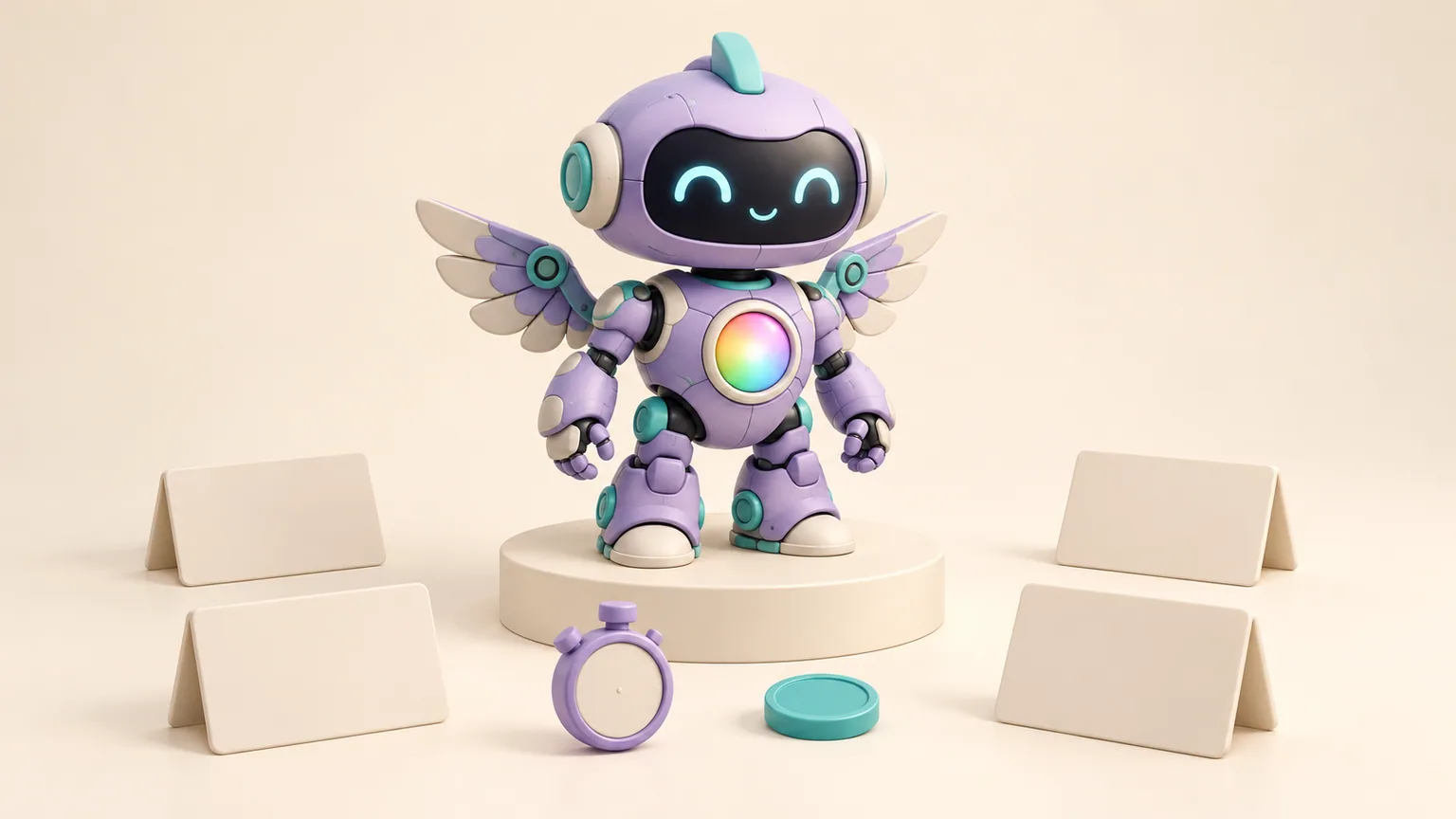
Give four coding models the same request: build a cute, interactive 3D robot with wings and a rainbow core in its chest. How much difference does the model make?
In this demonstration, Opus 5.5 produced the presenter's preferred result. DeepSeek 4.1 Flash finished in about nine minutes for a reported $0.62, while Opus 5.5 took about 22 minutes for $5.56. Qwen 3.8 Max and Opus 5 completed the same brief at different costs and levels of visual polish.
Those results make a useful model-selection example. They describe one creative coding task, with different harnesses in use, rather than a general ranking of the models. The full walkthrough is embedded at the end if you want to inspect the outputs yourself.
What the models were asked to build
The brief went beyond drawing a robot. It asked for a polished, interactive character showcase in Three.js, the JavaScript library for 3D graphics in a browser. The baby robot needed wings, a glowing rainbow chest core and a procedural build, with animation, camera modes and controls resembling a product configurator.
The prompt also asked the model to run the app, take a screenshot and keep fixing the largest visual problems. That makes the exercise relevant to agentic coding: the model has to build something, inspect it and decide what to improve.
The presenter says the prompt was identical, word for word, across Opus 5.5, DeepSeek 4.1 Flash, Qwen 3.8 Max and Opus 5. The surrounding setup was not identical. Opus 5.5 is shown running in Claude Code; DeepSeek and Qwen run in the same Omy Pi harness. Keep that distinction in mind when comparing completion times.
The reported time and cost
The walkthrough reports these figures for the completed builds:
| Model | Approximate completion time | Reported run cost |
|---|---|---|
| Opus 5.5 | 22 minutes | $5.56 |
| DeepSeek 4.1 Flash | 9 minutes | $0.62 |
| Qwen 3.8 Max | 20 minutes | $5.04 |
| Opus 5 | 25 minutes | $7.00 |
These are reported costs for these runs, not current API price quotes or estimates for every task. The Opus 5.5 figure is explicitly described in API terms. The comparison does not establish the total cost of subscriptions, infrastructure or human review.

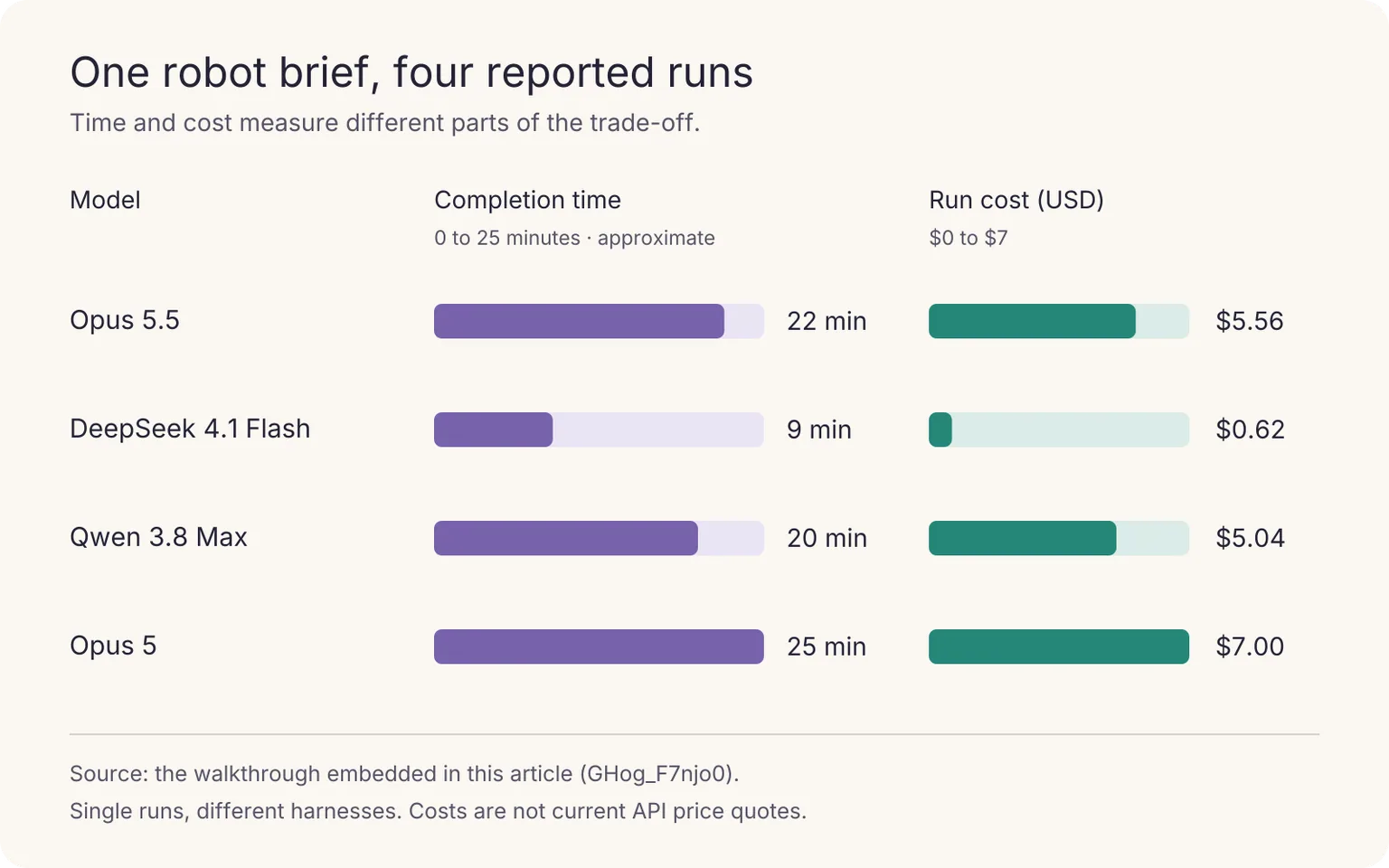
DeepSeek's run cost was roughly one ninth of Opus 5.5's and one eighth of Qwen's. It also finished in less than half the time of either. That is a substantial difference for a task where a rougher visual result may still be usable.
Opus 5.5 cost $1.44 less than Opus 5 and finished about three minutes sooner. Using Opus 5's $7.00 as the baseline, that is about a 21% reduction in run cost. Those savings apply to this example; they are not a forecast for a team's coding bill.
Where the outputs differed
Opus 5.5's showcase let the user fold and open the wings, change the core between normal, energised and rainbow modes, and send the robot into flight. The presenter praised the result's visual quality.
DeepSeek's output drew a less favourable visual assessment. The presenter also pointed out that its options panel occupied about half the screen. Its advantage was the combination of a much shorter run and a lower reported cost. The early seven-second moment in the video shows it producing a 12-task to-do list, not completing the application. The finished build took about nine minutes.
Qwen 3.8 Max produced a result the presenter considered similar to DeepSeek's, including the awkward options layout. At roughly 20 minutes and $5.04, it did not show an attractive trade-off in this particular exercise: the run was close to Opus 5.5 in time and cost, while the presenter preferred Opus 5.5's output.
Opus 5's robot was described as polished enough to rival Opus 5.5. Its reported run was the longest and most expensive of the four. A team already using it would need to test whether the newer model preserves that quality on its own work before changing the setup.
What this comparison can tell you
Visual preferences are judgments. You can inspect the same robots and disagree with the presenter about which looks best. The exercise does not supply a scored rubric, repeated trials or evidence of production readiness.
It also combines the model with its harness, tools and execution process. An instruction to inspect screenshots is useful, but the comparison does not show that every run performed the same number or quality of checks. A controlled follow-up would hold those conditions steady where possible and record any differences.
The task itself tests a particular kind of work: an interactive visual build. A successful robot demo does not establish reliability on database migrations, security-sensitive changes or everyday business automation. The video closes with a broader recommendation to reserve stronger models for critical work and consider DeepSeek for routine tasks. Treat that as a strategy to test against your own acceptance criteria.
Choose a model against the job
For a visual prototype that a person will review, a fast, inexpensive first pass may be useful even if the layout needs work. DeepSeek's result gives a reason to include it in that evaluation. Count the time needed to repair the panel and refine the robot before deciding how much the lower run cost saved.
For a customer-facing interactive experience, animation behaviour and visual finish may carry more weight. Opus 5.5's result gives a reason to test it on that kind of brief. A higher run cost can be reasonable when the output needs less repair, but this demonstration does not measure that repair time.
Qwen's result would need a task-specific reason to justify its cost here. That does not settle its usefulness for other workloads, or say anything about smaller Qwen models running locally. Those are separate evaluations with different constraints.
Before a trial, write down what a usable result must do. For this robot, that could mean working wing controls, visible core changes, a readable options panel on a phone and no browser errors. Keep those checks unchanged across candidates. Record failed attempts as well as completed builds, then compare the cost of reaching an accepted result.
Try the comparison on your own work
Choose one representative task and run it through the candidate models with the same brief. Save the code, screenshots, timings and costs alongside the review outcome. Repeat the exercise before making the model a default for a recurring workflow.
Watch the builds below to compare the visual results and decide which trade-offs would matter for your task.
Playing loads YouTube, which may use cookies and collect viewing data. You can also watch on YouTube.
When you put AI employees to work in KyoubeAI, keep the assignment and its output together so a colleague can inspect what was requested and delivered. The AI implementation guide covers how to start with a bounded job and expand from evidence. Use your model trials to decide which setup is suitable for that job, then retain the checks that made the result acceptable.